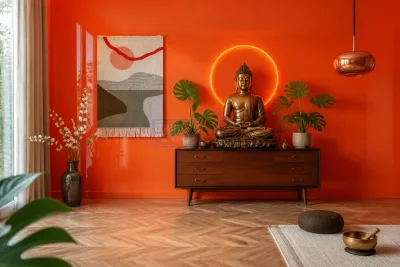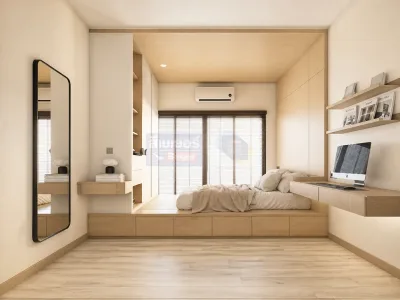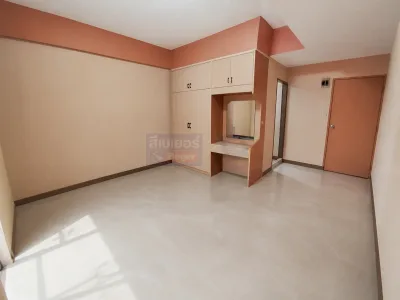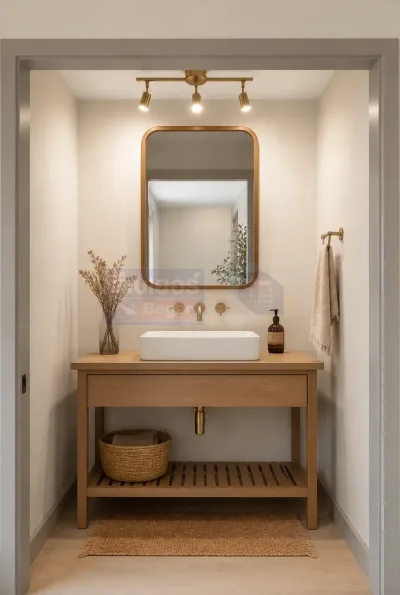
Room color simulation

INSPIRATION AI GEN

Basic Usage Instructions

In just 3 easy steps, you can have the beautiful home you’ve always wanted with Beger Inspiration AI Gen.

Take a photo or upload a picture.

Take a picture of the room you want to makeover or upload an image file from your device.

Adjust the concept

Choose the type of interior/exterior, select the room, architectural style, and color tone you desire.

Receive results from AI

Press the Generate Vision button to have the AI instantly create a simulated new paint job for you.

Adjust the concept

— —
— —
Keep the original furniture.
AI will maintain the spatial pattern.

New Improvement Mode

Transform your space with AI-powered building coatings.

Upload a room photo

Drag and drop, or click to choose a file

Supports JPEG, PNG and WebP up to 10MB (12MP or more recommended)

Preview
Original Before
AI Generated After
◀ ▶

Preparing...

AI Ready to Use Results generated by AI. Please verify accuracy before use.

BEGER COLOR DESIGN

Let our experts help you design the perfect color palette for your home. Free consultation today!