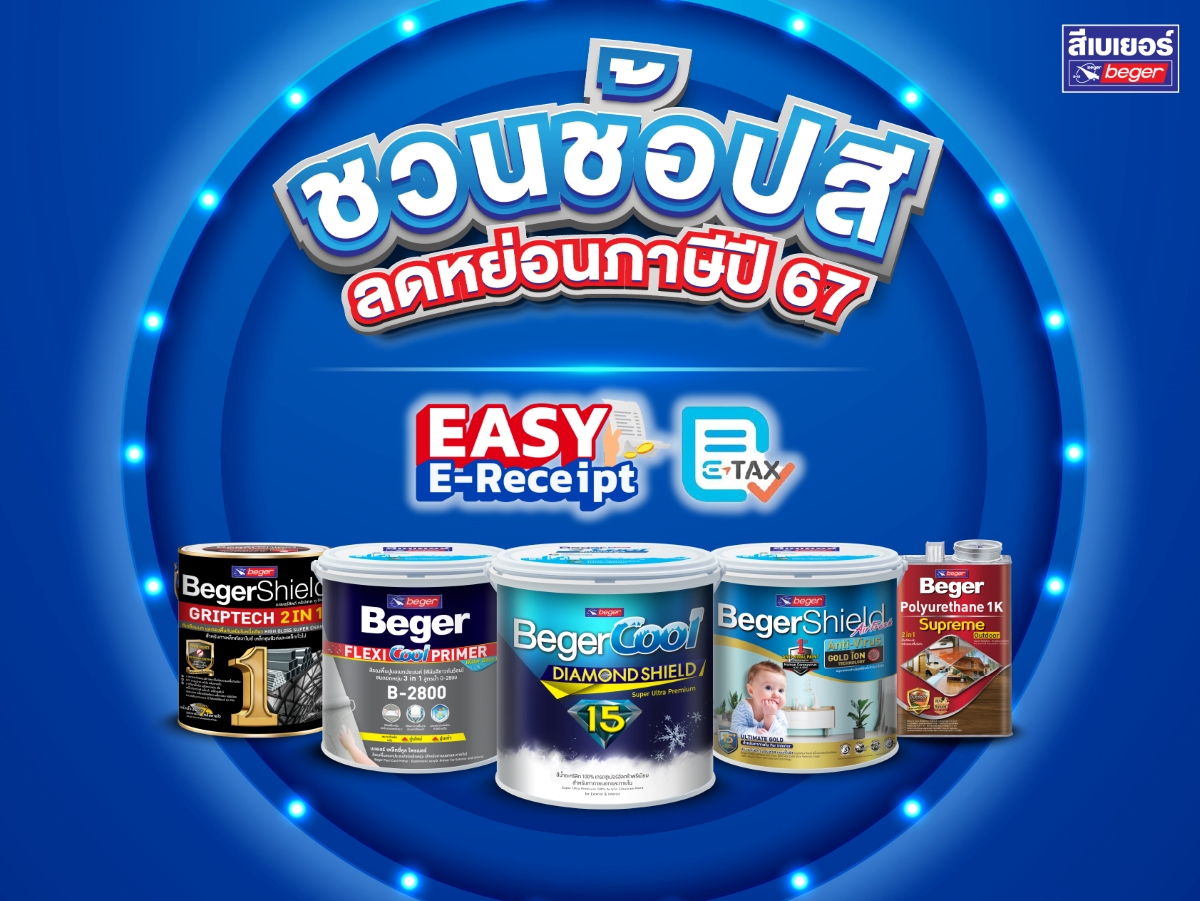
It’s back! The tax deduction measures that everyone wants. If you planned to buy paint or are thinking of renovating your home since last year, get ready to shop for tax deductions. The Easy E-Receipt & E-Tax 2567 measure will differ significantly from the Shop Dee Mee Khuen project in previous years. Let’s see what has changed in the process of receiving the E-Receipt & E-Tax Invoice and the conditions for purchasing products.
Steps to receive Easy E-Receipt & E-Tax Invoice 2567
- Check the stores that can issue electronic tax invoices (E-Tax Invoice) or electronic receipts (E-Receipt) through the Revenue Department website https://efiling.rd.go.th, inquire directly at the store, or look for the Easy E-Receipt and E-Tax Invoice symbols.
- After completing the purchase at the store, the buyer will receive a simplified tax invoice (a paper receipt) from the checkout. Take that receipt to request an electronic tax invoice at the customer service point designated by the store.
- Provide the email address used to receive the electronic tax invoice to the staff at the service point. The store will then send the electronic tax invoice document in PDF format or other formats afterward.
- For purchases made through any online channels, look for stores that have the Easy E-Receipt or e-Tax symbols to request a tax invoice. The information provided for issuing the tax invoice and the email must comply with the store’s requirements.
Conditions for requesting Easy E-Receipt & E-Tax Invoice 2567
Initially, the Revenue Department has set the purchase of goods or services during the period from January 1, 2567 to February 15, 2567 only, which can be used for tax deductions in the 2567 tax year based on the actual amount paid (including value-added tax) with a maximum of 50,000 Baht. Therefore, everyone should plan their time well and study the conditions of the measure, which types of products are included and which are not, to avoid losing rights, wasting money, or wasting time. However, it is certain that our BEGER paint products sold at leading stores with the Easy E-Receipt & E-Tax Invoice symbol can definitely be used for deductions!
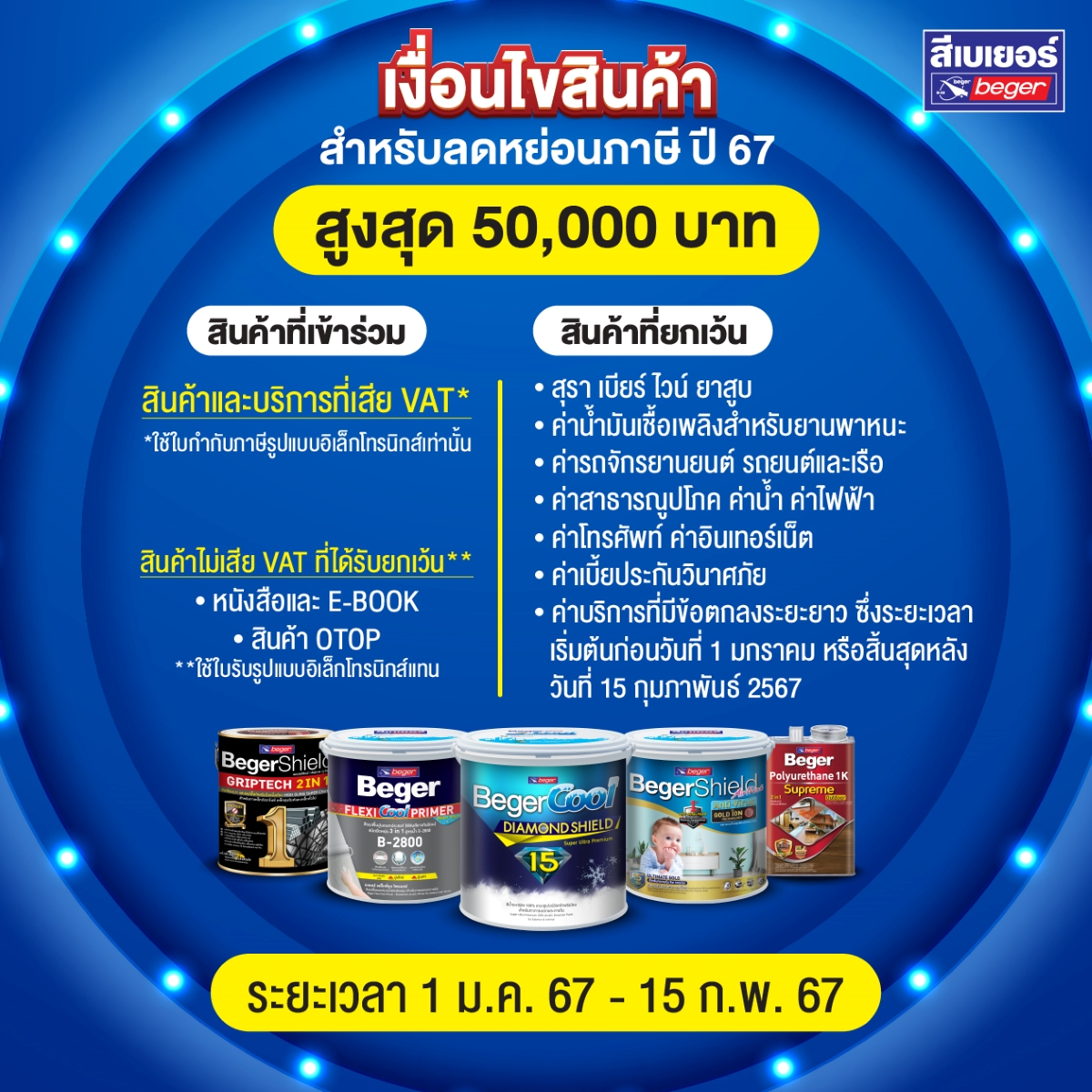
Only individual income earners will have the right to deduct taxes from this measure, by using the total purchase amount to reduce the net assessable income that must be calculated for the progressive tax base. The maximum deduction rates for each tax bracket as specified by the Revenue Department are as follows. BEGER has calculated the case of using the full 50,000 Baht and only 10,000 Baht for your consideration.
| Net income per year | Tax bracket | Tax refund (in the case of full 50,000 Baht) | Tax refund (in the case of 10,000 Baht) |
| Less than 150,000 | Exempt | 0 | 0 |
| 150,001-300,000 | 5% | 2,500 | 500 |
| 300,001-500,000 | 10% | 5,000 | 1,000 |
| 500,001-750,000 | 15% | 7,500 | 1,500 |
| 750,001-1,000,000 | 20% | 10,000 | 2,000 |
| 1,000,001-2,000,000 | 25% | 12,500 | 2,500 |
| 2,000,001-5,000,000 | 30% | 15,000 | 3,000 |
| 5,000,001 and above | 35% | 17,500 | 3,500 |
Beger paint stores with the Easy E-Receipt and E-Tax Invoice symbols
Homeowners or anyone planning to renovate their homes or repaint their rooms to welcome the Year of the Dragon can shop for Beger paint at participating stores in the Easy E-Receipt & E-Tax Invoice program. Wherever it’s convenient, you can go there, or you can also purchase paint through online stores.
|
|
|
|
| Thai Watsadu | HomePro | Global House |
|
|
|
|
| Boonthavorn | Doo Home | Mega Home |





*Conditions are according to the government policy of 2024
**Only stores that can issue tax invoices